
Main screen in Tree View.
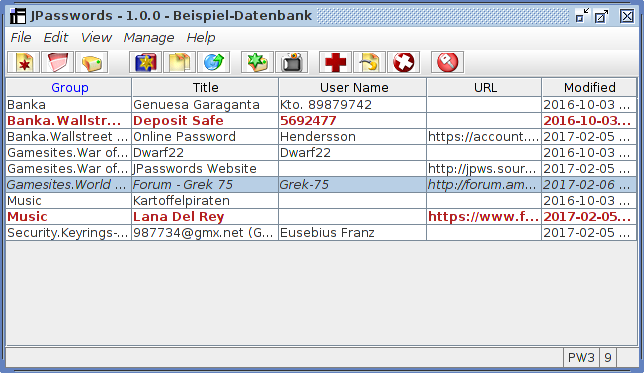
Main screen in Table View.
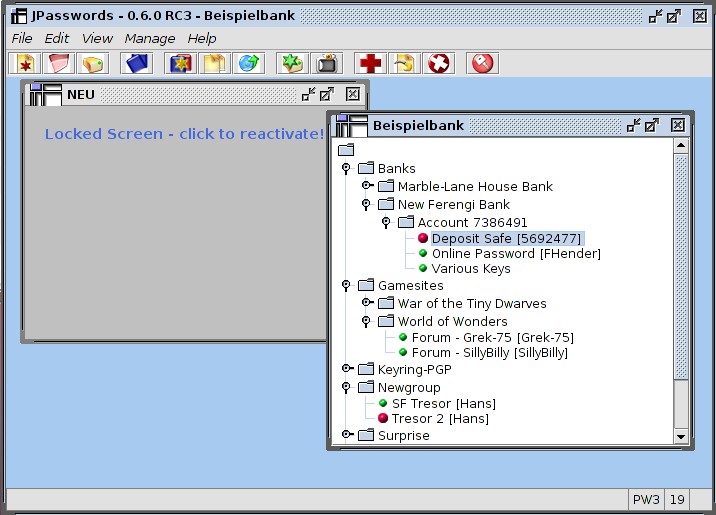
Main screen showing Multi-File Desktop.
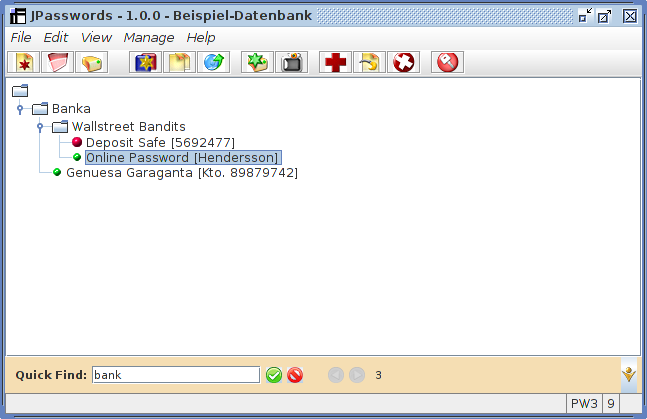
Main screen with "Quick-Find" record filtering toolbar (bottom).
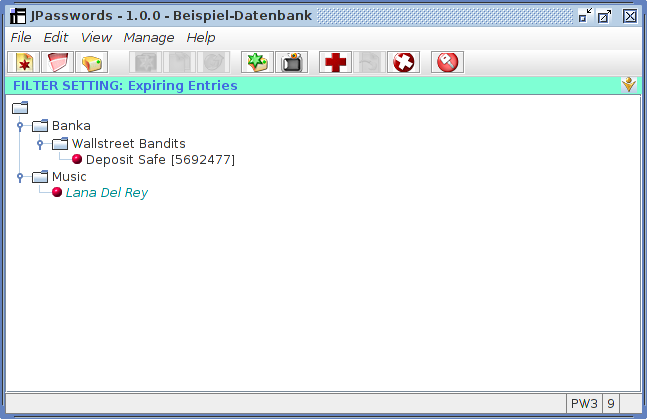
Main screen showing filter function"Expiring Entries" (one of 5 standard filters).
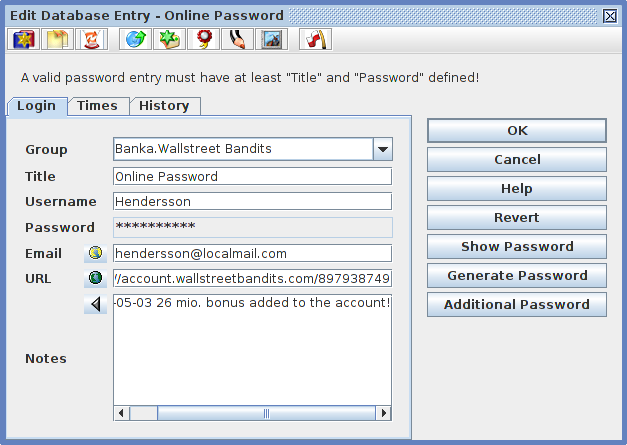
Entry Editor "Login" panel.
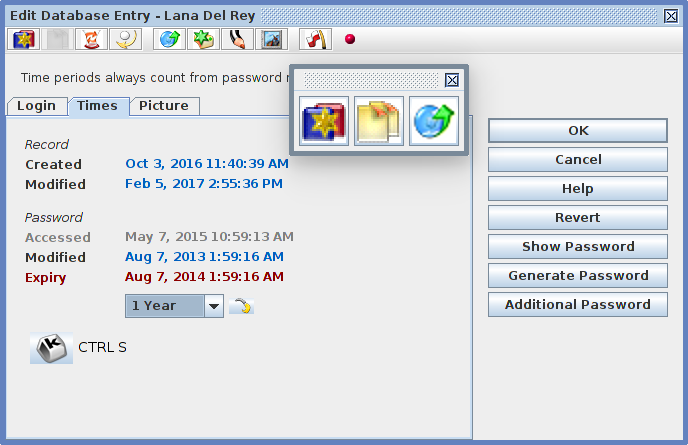
Entry Editor "Times" panel with free floating command bar. The "K"-button sets up a Shortcut Key
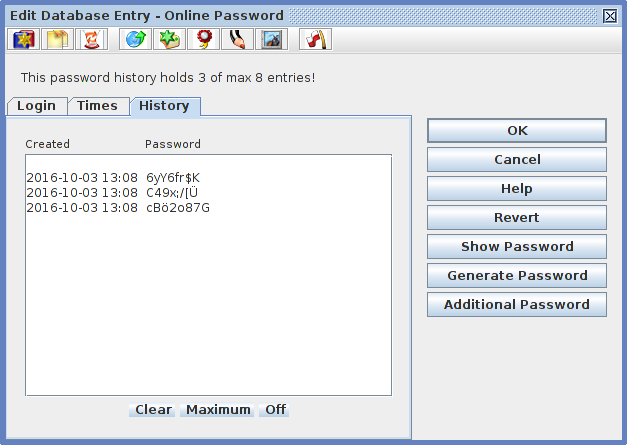
Entry Editor with password "History" panel.
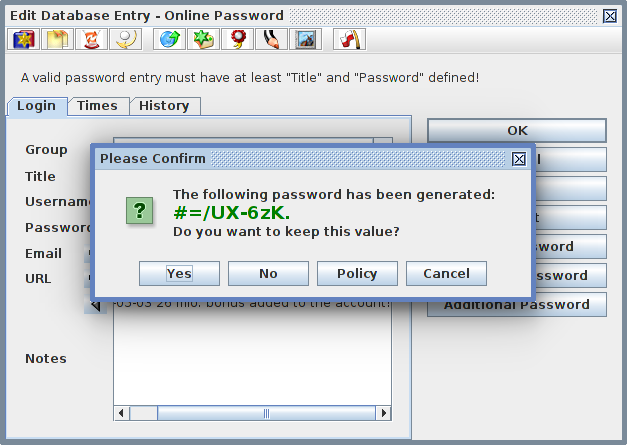
Dialog offering a random generated password.
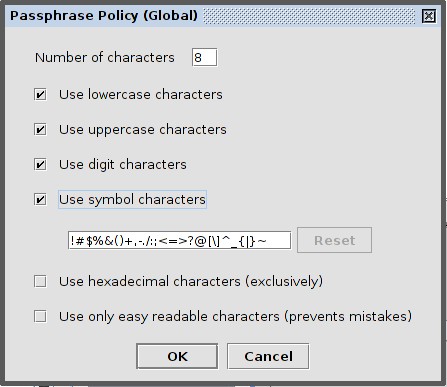
Editor of the Password Policy.
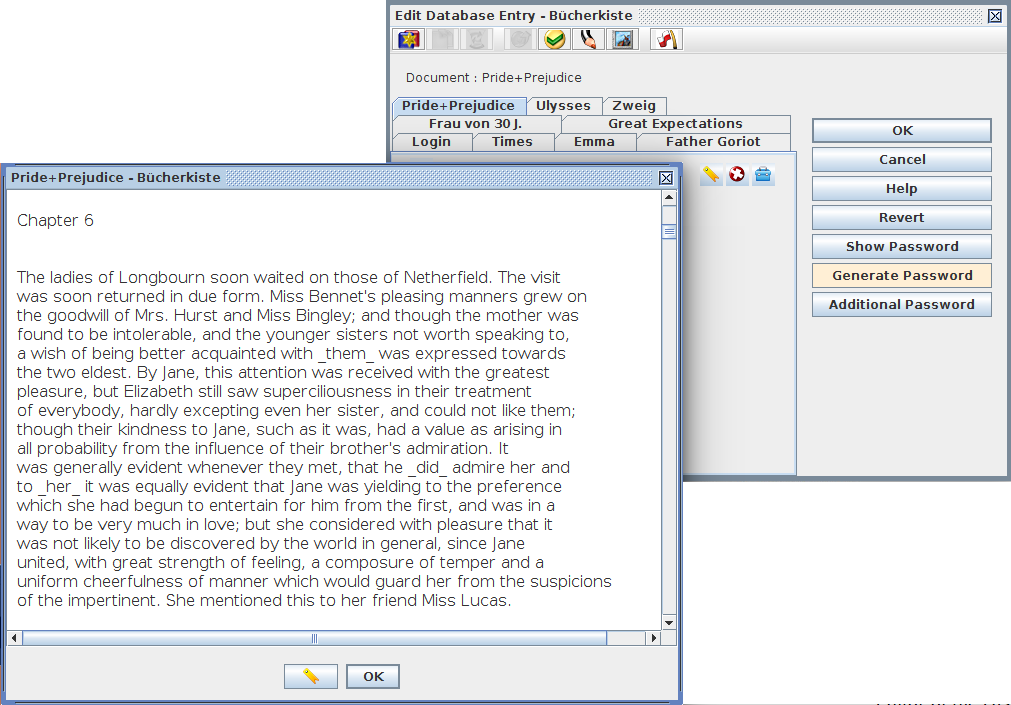
Build your own secret library with JPassword's dynamic Text Document feature!
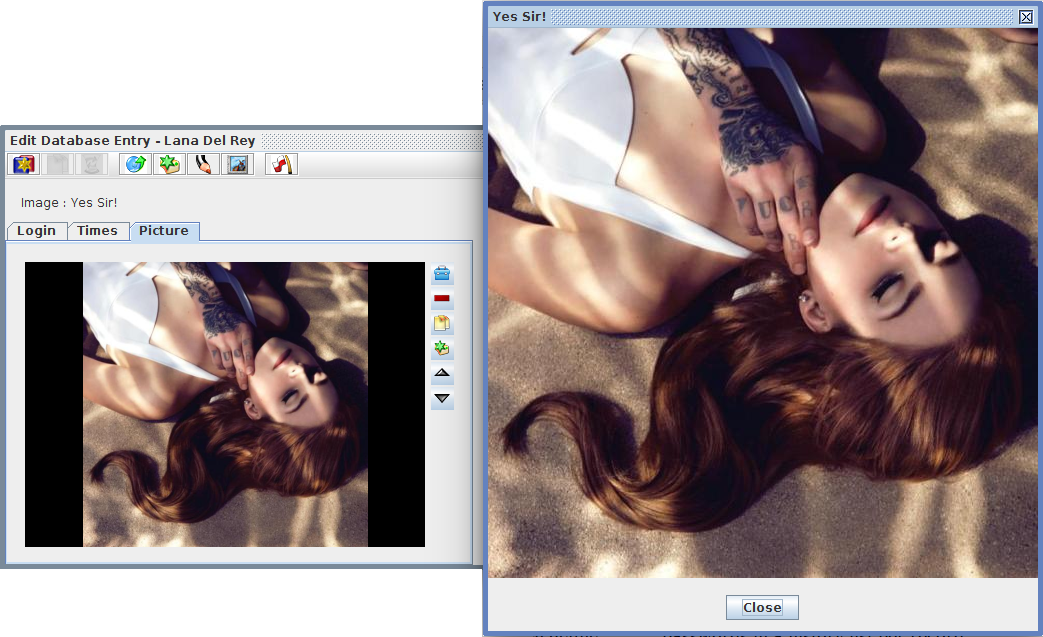
Entry Editor with Image-Bag document and open separable image
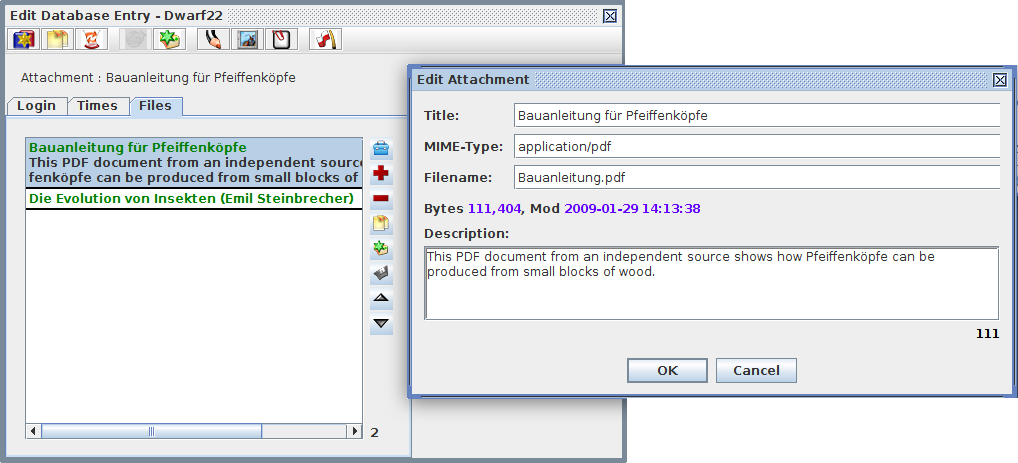
Entry Editor with Attachments document and open object data dialog
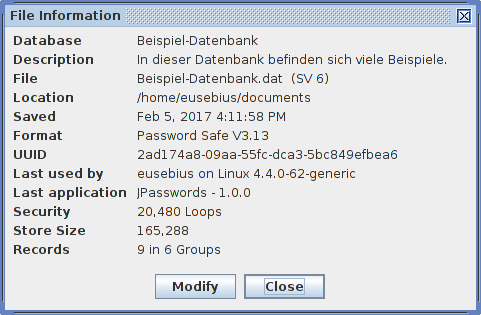
File Information periscope.
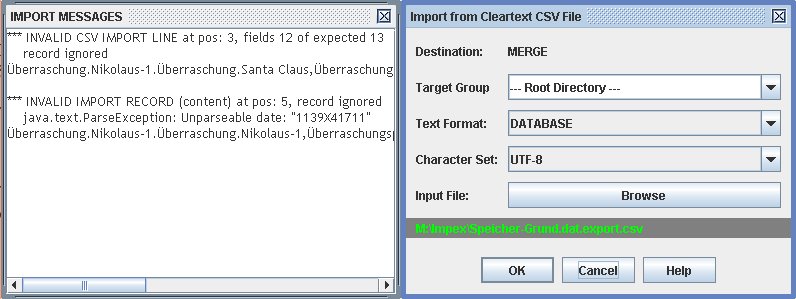
CSV Import operation dialog with error reporter window.
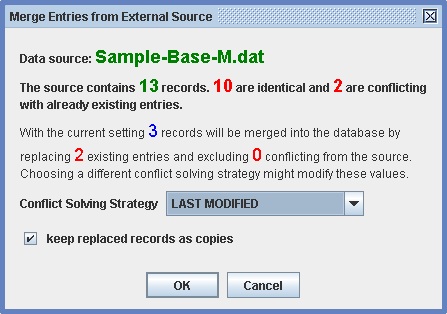
Detailed merge conflict report with resolution strategy option for user.